Plan-It: Creating an App for Peaceful Budgeting
Relaxing the overwhelmed student with minimalist design and calming user flows
INDUSTRY: Finance
RESEARCH: User Testing (Prototypes)
TEAM: UX Research & Design Team
Gabriela Bernaquez
Mariam Traore
Rebecca Cameron
Zoe Countess
PROJECT: Designing a budget app for a bank to access a new audience: international students in Montreal
DELIVERABLES: User Testing Script, Empathy Map, Persona, User Journey, Competitive Analysis, Wireframes, Interactive Prototype
DURATION: 4 weeks
Project Overview
Context
We were tasked with designing a unique product for our client, a bank looking to speak to new audiences, primarily international students in Montreal.
After discussing our product strategy and the user persona’s pain points, we decided to create a budgeting app that blended gamification and cultivation of healthy money habits and mindsets.
The Who
The persona we were tasked with is an international student from Mexico named Carmela. From balancing her studies, job, and familial pressures to succeed, she is highly motivated to save money for travelling home and going out with friends however her greatest challenge is feeling like she can.
Project Goal
When you are a student, it can feel daunting and meaningless to save the small amounts that you have left over after paying big bills like tuition. However, our main goal is to empower students like Carmela and design an safe sandbox to play around in and start developing healthy habits with money.
-
Make student finances Zen again?
Help students set themselves up for success to achieve long term saving goals?
Build students confidence around managing their personal finances?
-
Feel in control of finances
Travel to visit family
Spend time with friends on the weekend
Manage anxiety
-
Target a new, younger audience to grow high-value lead base
Balance out gender divide by increasing female demographic
Provide a lead magnet that is high-value for new leads to foster long-term user retention
Competitive Analysis
We researched existing budget apps to identify existing gaps in the market and discovered 3 key themes that are either non-existent or limited to 1-2 competitors:
Gamification
Mental health around money psychology
Unique aesthetics
We then developed 4 different concepts for the direction of our app for the client, each with a unique blend of our high-level solutions above.
4 Initial Concepts:
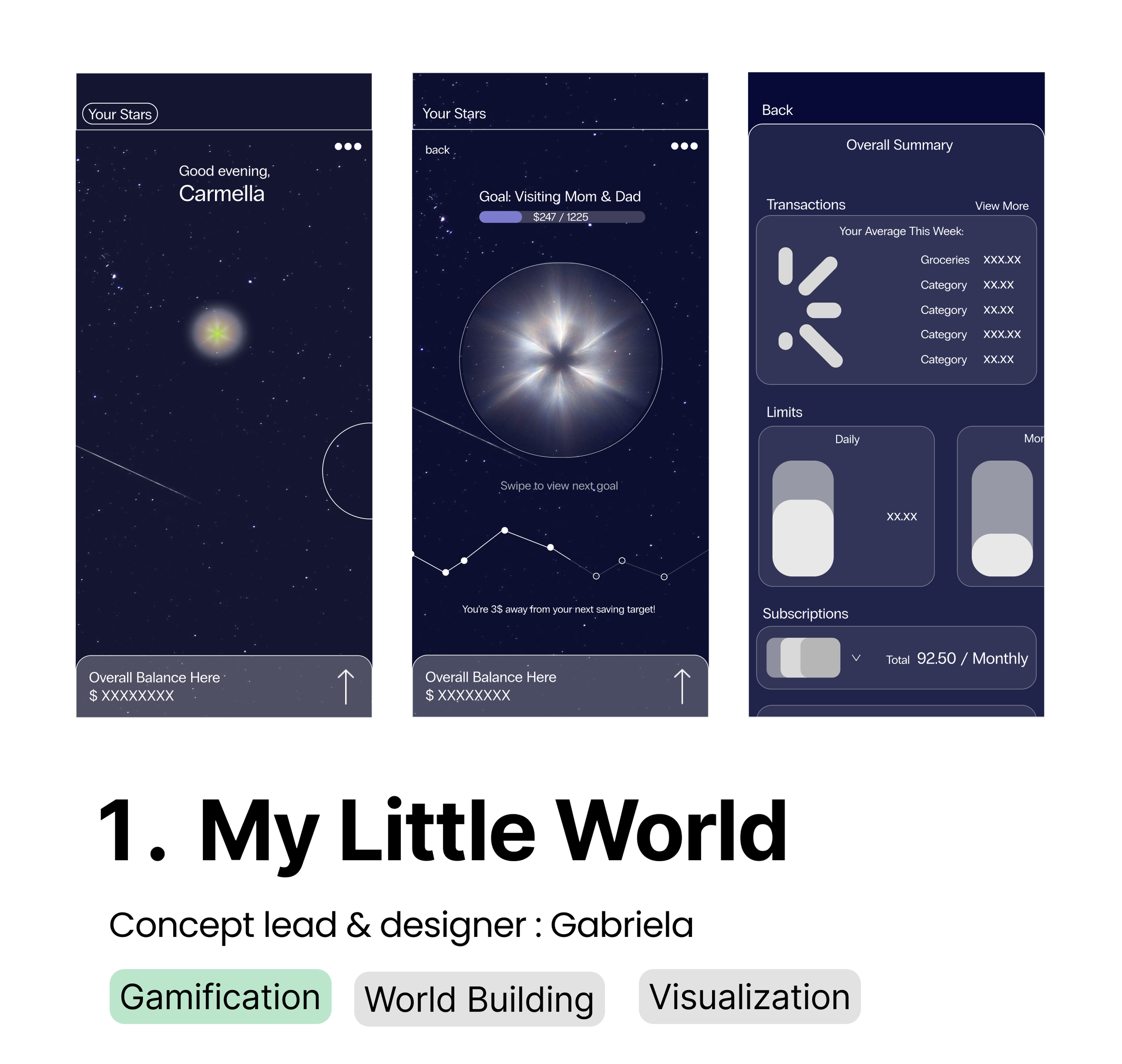
Out of the four concepts, the client decided to proceed with the first one: My Little World because of its novelty and versatility for a wide range of students.
-
Heavily inspired by world building and resource management mobile games like Cat Soup, My Little World is a minimalistic, galaxy-themed budgeting app. The more user uses the app, the bigger their galaxy will grow and shine.
-
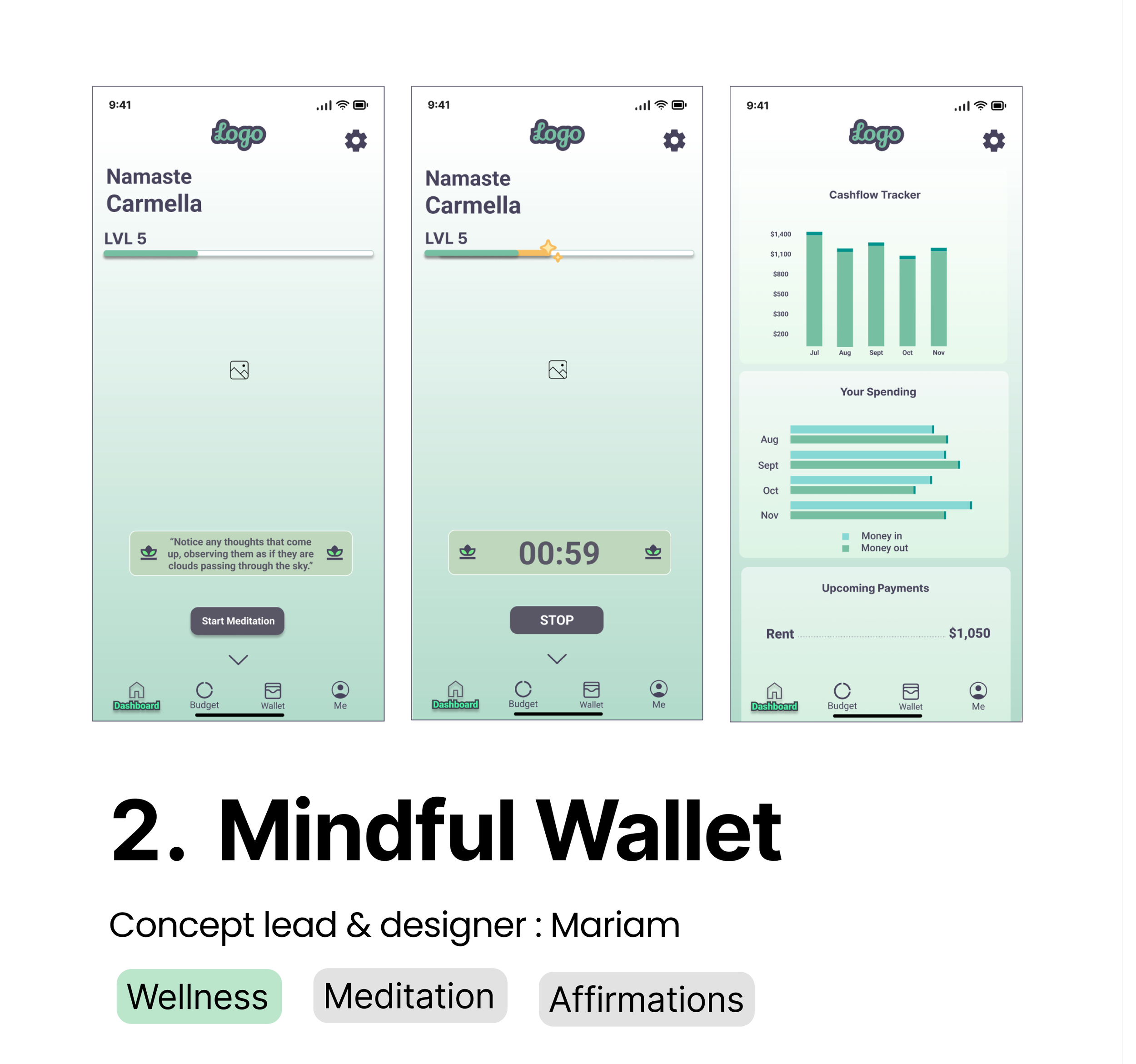
Feeling stressed about finances and your anxiety is getting out of hand? Close your eyes, pause a moment, and breath. The Mindful Wallet concept is a budgeting app that combines meditation prompts with finances.
-
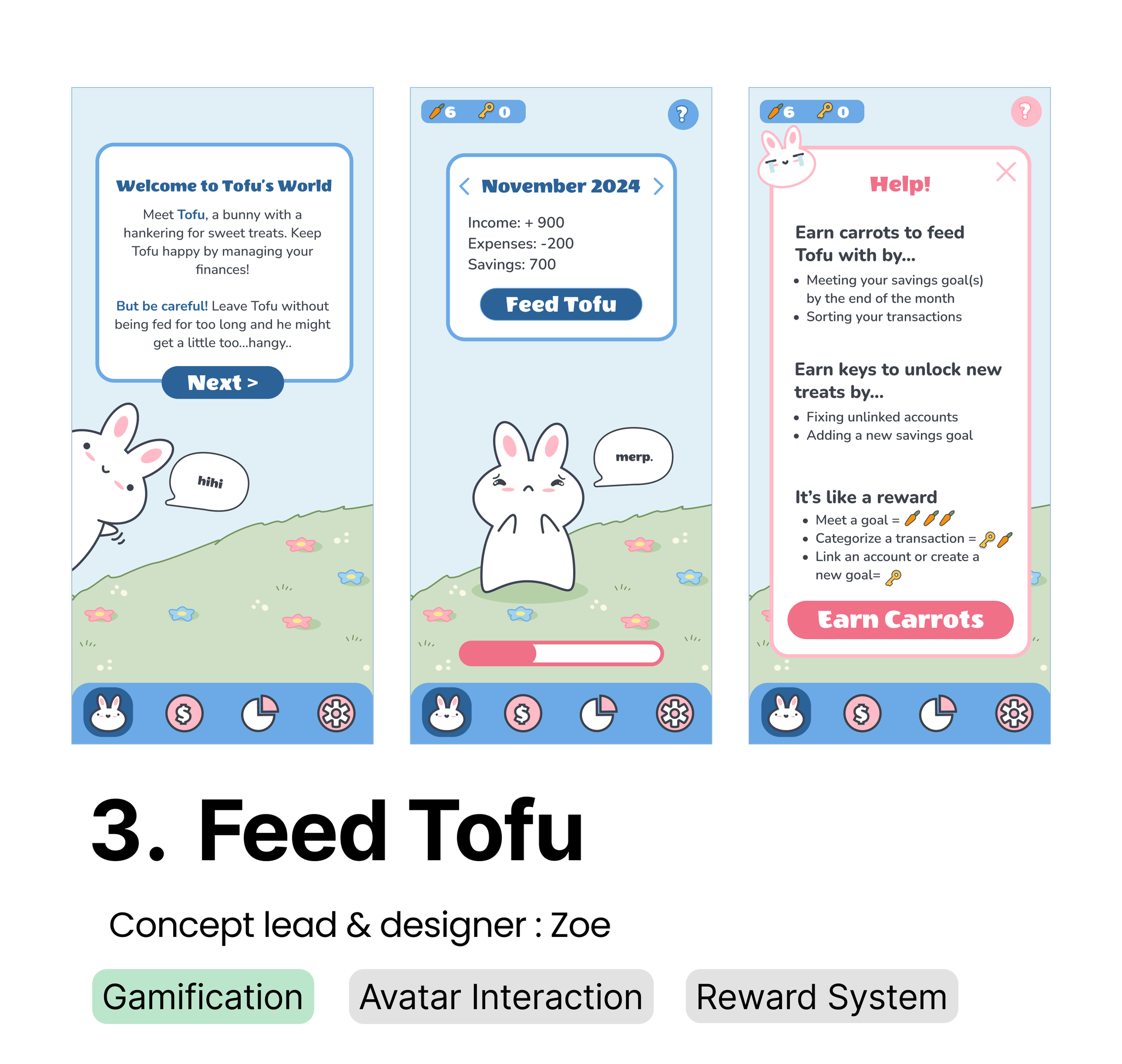
Tofu’s World is a budgeting app that leaned heavily into the gamification and cute-tification of budgeting. Keep your avatar Tofu, a sassy and demanding bunny alive by completing budgeting tasks to manage your finances.
-
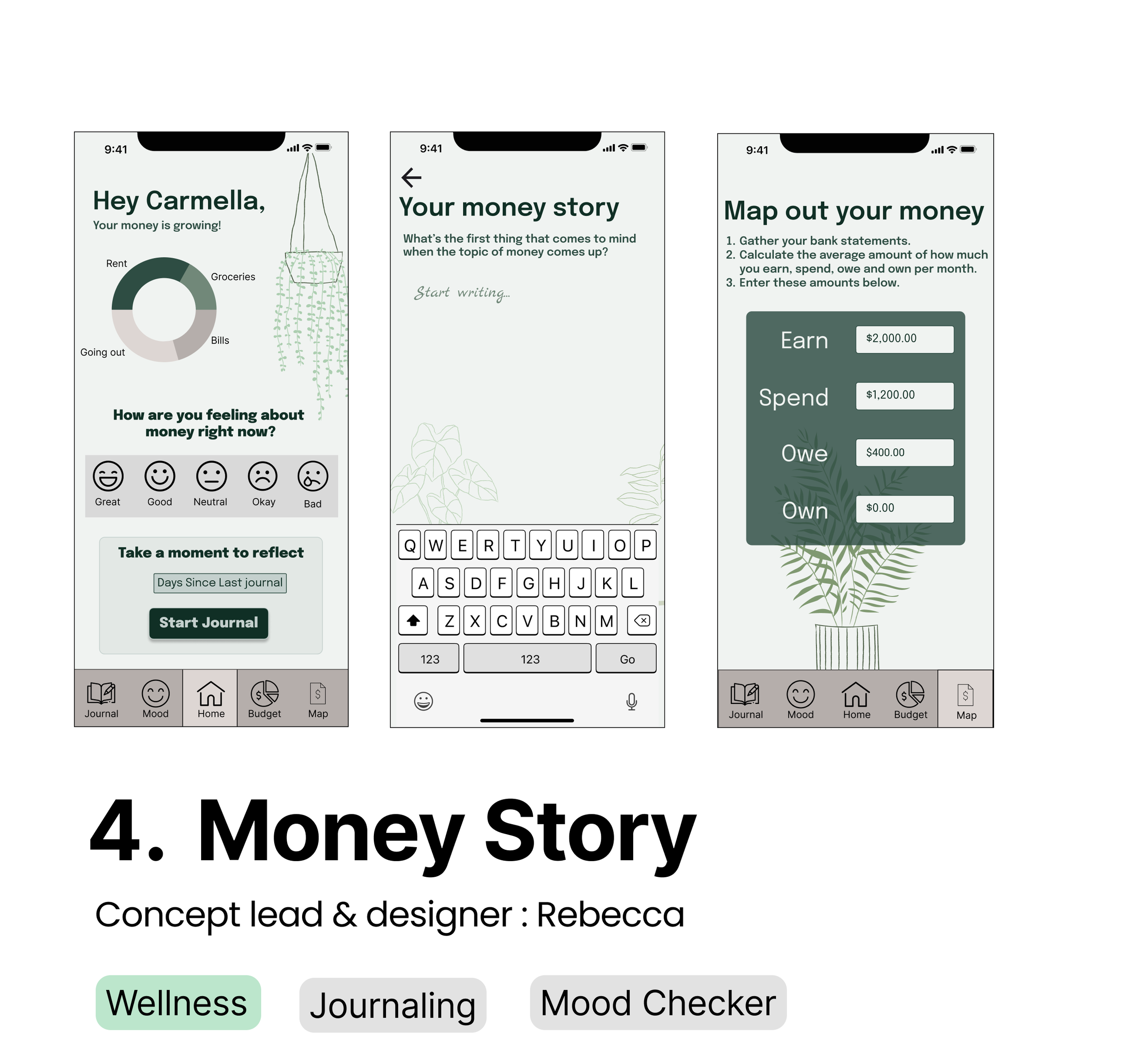
Money Story is a budgeting app that combines journaling and mood status updates with finances. This approach heavily leaned into the mental health and wellness aspect surrounding finances and aims to help users with their anxiety around money.
Key User Flows
We dove deeper into the My Little World concept and delivered high-fidelity wireframes and prototypes to the client that showcased key user flows.
1.0 Welcome Flow
Welcomes a new user to the app and breaks down into bite-sized steps how to use it.
1.2 Create a Budget Flow
Begin managing finances by creating the center of the solar system, the sun. The sun represents the fixed budget expenses a user will incur like rent. Already made your sun? Launch planets into your sky which represent the variable expenses in a budget like eating out.
1.2 Create a Goal Flow
The sky is the limit. Start adding stars to the galaxy which represent long term savings goals. Watch the soothing solar system grow with each connection formed.
1.3 Personalize Your World Flow
Feeling a little overwhelmed? That’s okay. Take a breath and personalize your world by changing galaxy backgrounds, turning on soothing music, or adding labels to your planets and stars.
Interactive Prototype
Here are the high fidelity flows my team developed. We tested and refined them together, provided data-based feedback from user tests and internal testing as well. For my personalization flow, I created and prototyped components to reflect these key status changes (see below).